Sandarre Browser
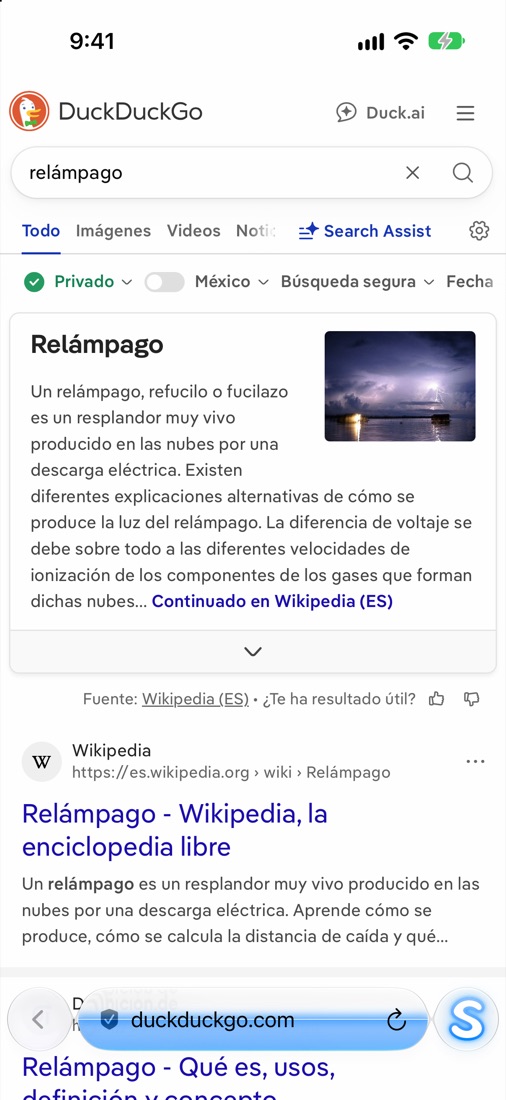
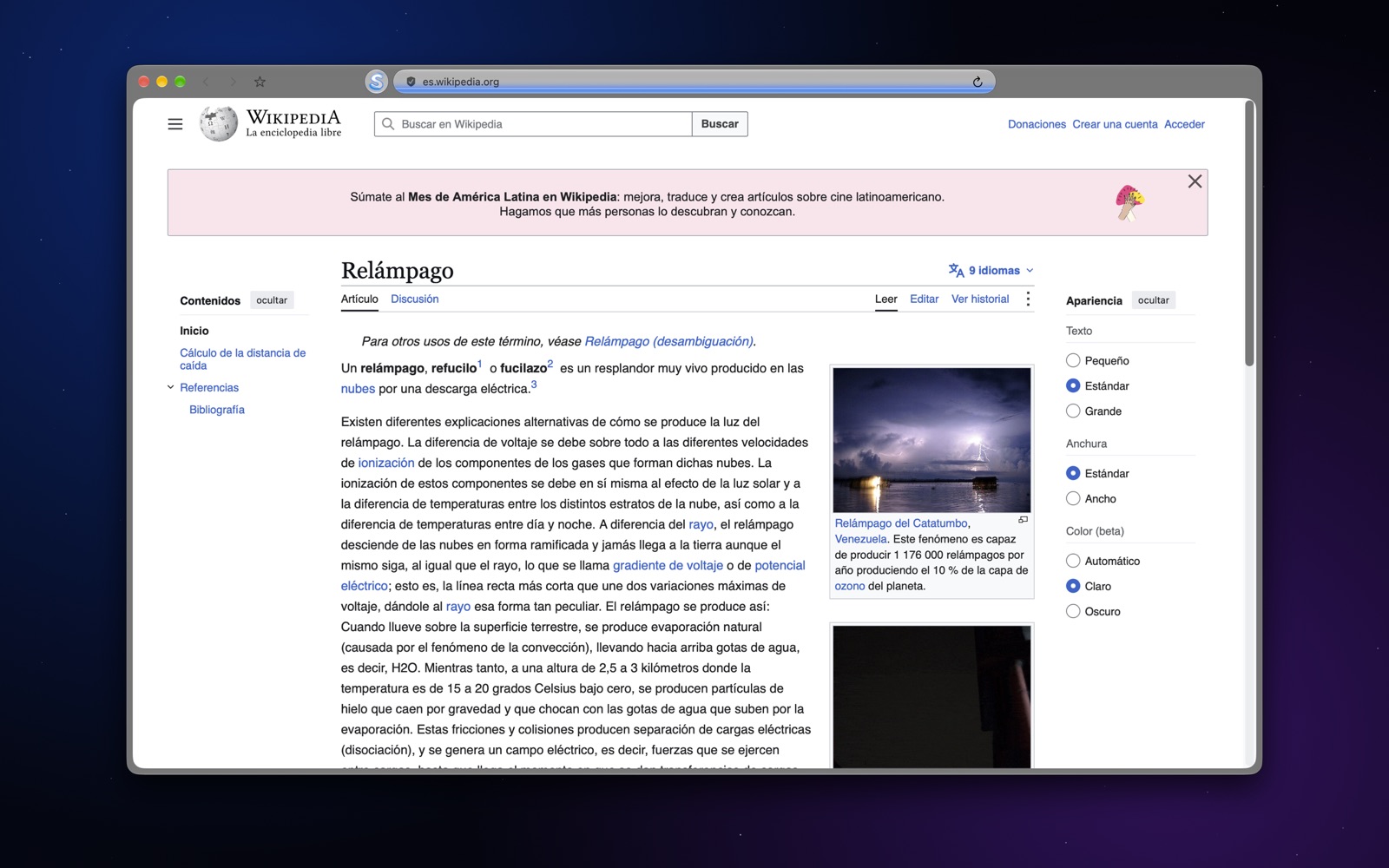
Privacy and site control. Sandarre checks every site you open and the “S” lights up with its color: standard, approved by you or blocked. No ads, no trackers and no accounts.
What it does
Available in Spanish, English, Portuguese, Russian, Simplified Chinese and Japanese.
Domain control
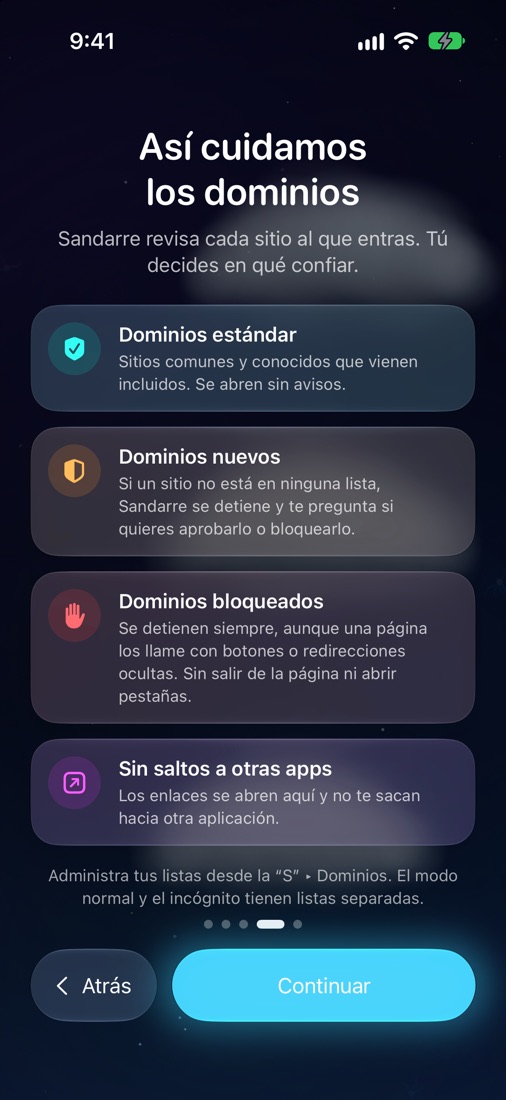
- Standard (blue): well-known sites that open without asking.
- Approved by you (blue to purple) and blocked (red), always with the reason.
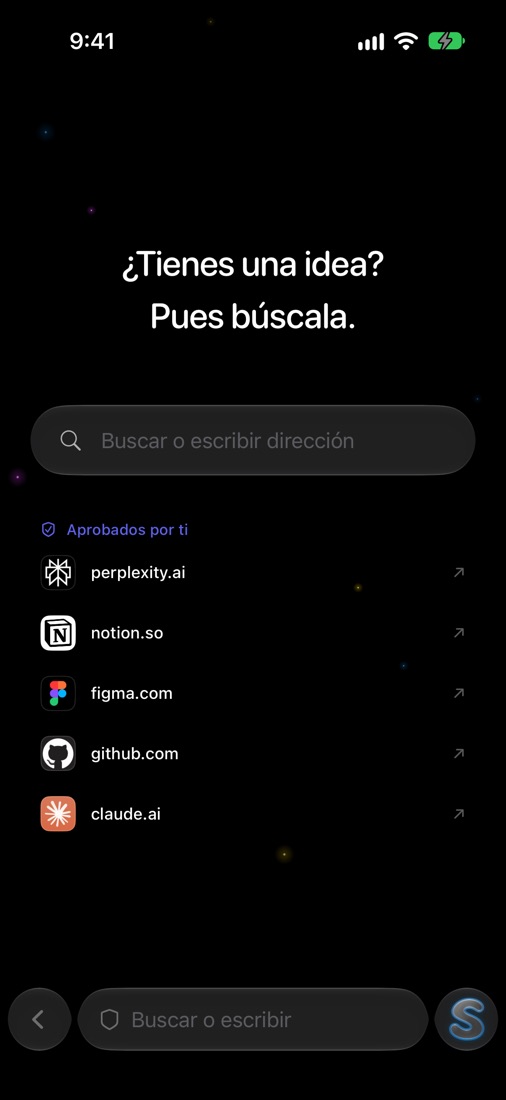
- Alerts for new domains and separate lists for normal and private mode.
Protection and privacy
- Blocks ads, trackers and third-party cookies.
- Optional private mode, protected with Face ID or Touch ID.
- Passwords in Apple’s keychain, with autofill. No accounts, no analytics.
A browser with lightning
- Liquid Glass design; on Mac, the glass takes the page’s color.
- Loading happens inside the bar, with a neon liquid in the domain’s color.
- Tab carousel; on Mac, a horizontal layout or a vertical sidebar.
Video and downloads
- Picture in picture and a built-in player for videos on web pages.
- Download list showing where each file is (on iPhone, also in Files).
- Mobile data meter with your billing day (iPhone).
Sandarre Pro
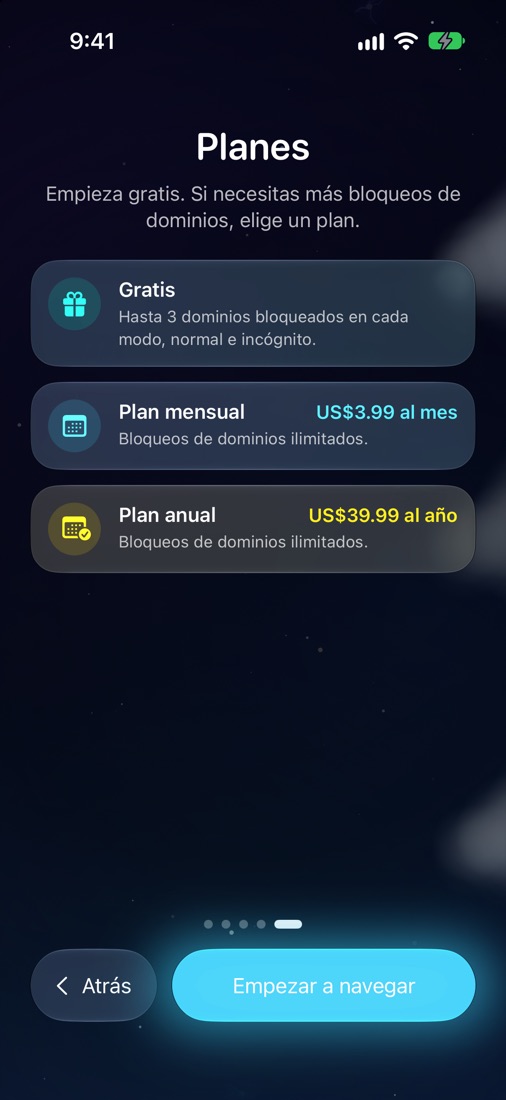
The free plan includes full browsing, up to 3 blocked domains in each mode, and protection against ads, trackers and cookies 3 hours a day. Sandarre Pro removes those limits. It is a monthly or yearly auto-renewing subscription charged to your Apple account; you can manage or cancel it in your Apple account settings.
Frequently asked questions
Don’t see your question? Write to tombs_flighty.2e@icloud.com with your device, the app version and what happened.
How do I manage or cancel my subscription?
In the app, open the “S” menu → Plans → “Manage subscription”. You can also use Settings → your name → Subscriptions (iPhone and iPad), or App Store → your account → Subscriptions (Mac).
I changed devices. How do I get Sandarre Pro back?
Open Plans and tap “Restore purchases” using the same Apple ID you bought with.
What data does Sandarre store?
None on servers of its own: everything stays on your device. Read the privacy policy.
How do I clear my browsing data?
In Settings you can clear browsing data and manage bookmarks, passwords and downloads.
Terms of use
Sandarre Browser terms of use and the Apple Standard License Agreement.
Apple, iPhone, iPad, Mac, Face ID and Touch ID are trademarks of Apple Inc.