Sandarre Email
All your mail, in order. Your Gmail and iCloud accounts in a single inbox, sorted automatically on your own device.
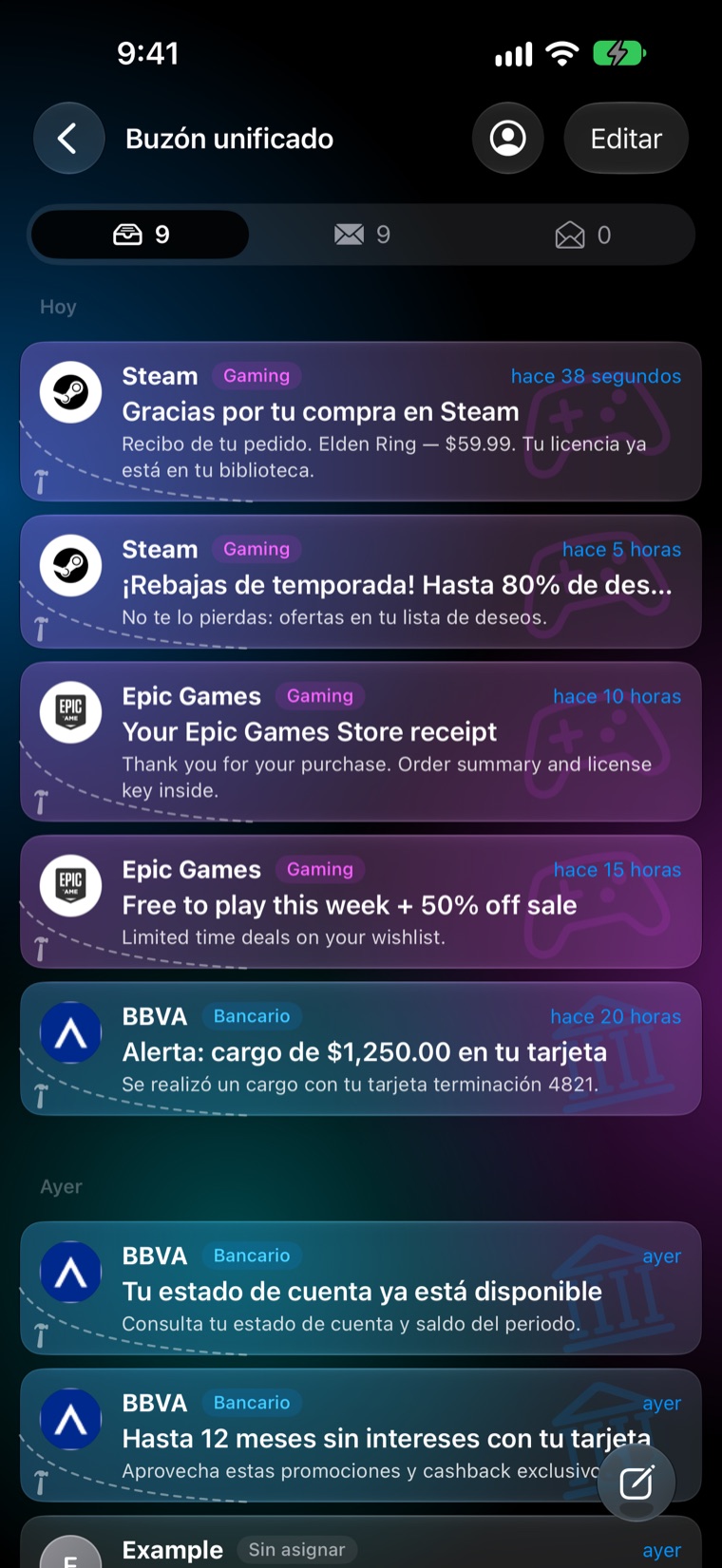
What it does
A complete mail app, with sorting and privacy as the starting point.
One inbox
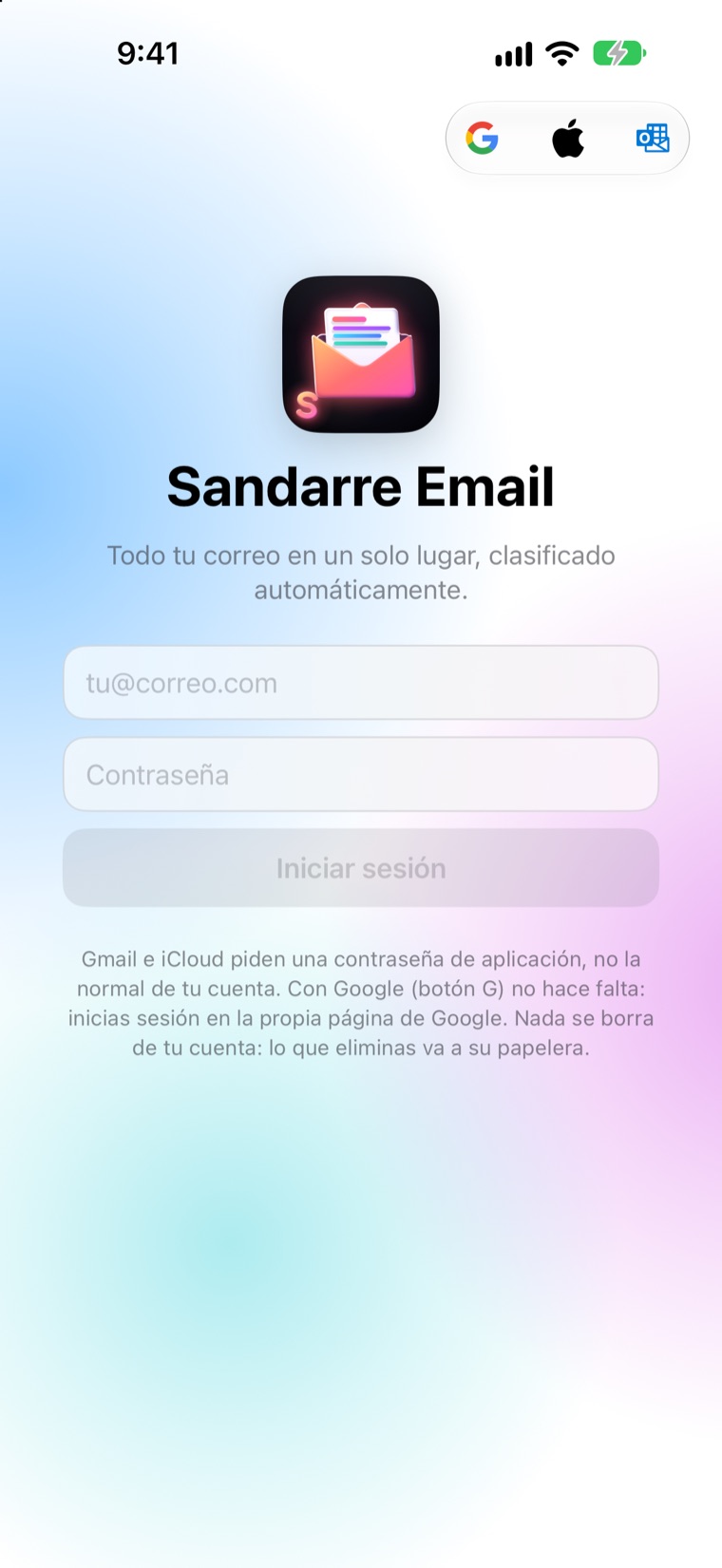
- Gmail and iCloud together, with a unified view and per-account views.
- Read, reply, forward, archive and delete (to your account’s trash).
- What you read or archive syncs with Gmail, iCloud and your other devices.
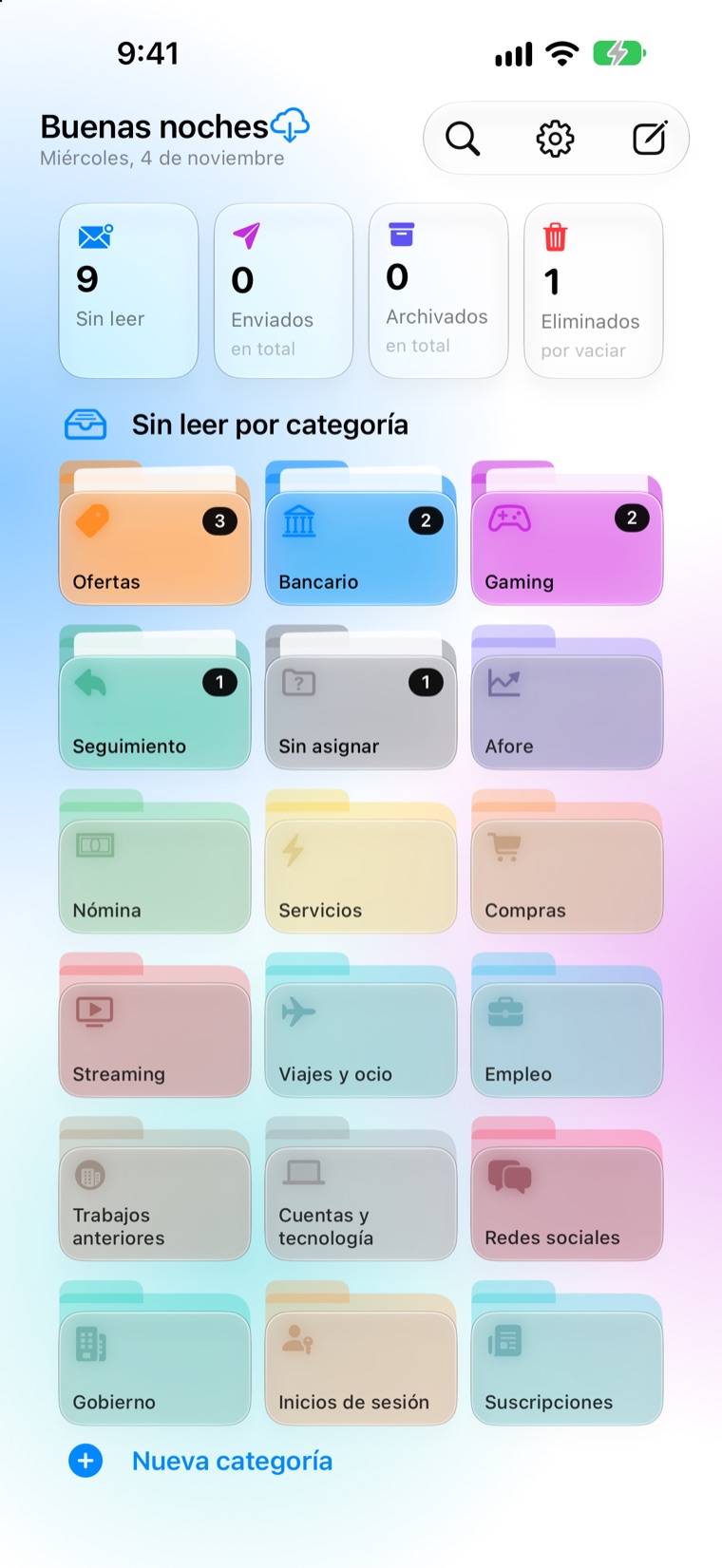
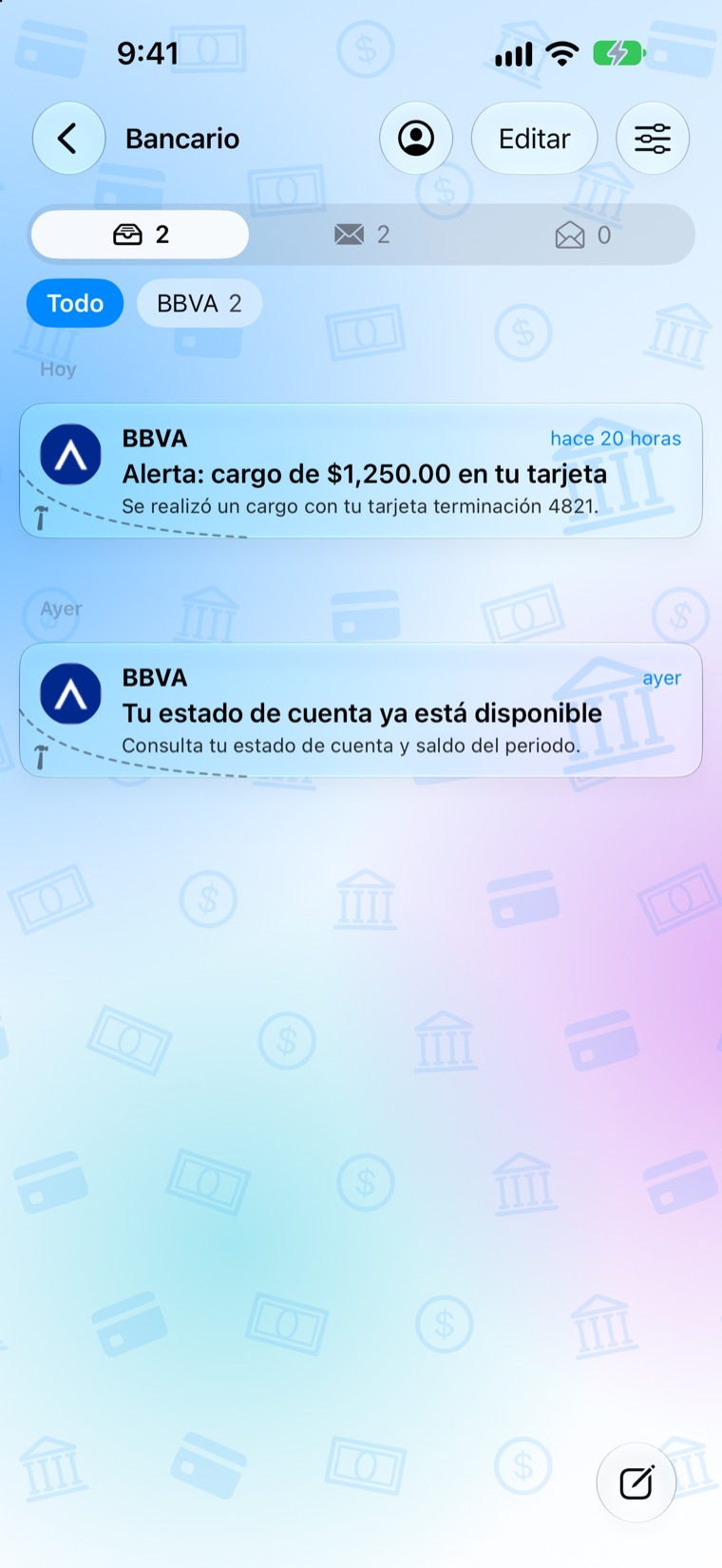
Sorted automatically
- Banking, retirement, payroll, utilities, shopping, streaming, travel, jobs and more.
- Promotions are kept apart so they don’t get in the way.
- Your own rules and categories, with optional auto-delete.
Find anything
- Search all your mail, regardless of accents or capital letters.
- If it’s very old, search the server too (in Gmail, with its own syntax).
Truly private
- No servers of its own, no advertising and no tracking.
- With Google you sign in on Google’s page: the app never sees your password.
- Images that spy on when you open an email are blocked.
Alerts on iPhone and Watch
Your Mac checks your mail and alerts your iPhone and Apple Watch through your own private iCloud.
Unsubscribe in one tap
Uses the standard mechanism the sender itself includes in its newsletters.
Frequently asked questions
Don’t see your question? Write to tombs_flighty.2e@icloud.com with your device, the app version and what happened.
Which accounts can I use?
Gmail (with “Continue with Google” or an app password) and iCloud (with an app-specific password, which you create in your Apple account; the app guides you).
Google says the app isn’t verified. Is it safe?
Sandarre Email is an independent app that Google has not audited (that review is meant for apps with millions of users). You sign in on Google’s own page, the app never sees your password and your mail does not leave your devices. To continue, tap “Advanced” and then “Go to Sandarre Email”.
Is anything deleted from my account?
Never permanently: what you delete goes to your account’s trash, where you can recover it (Gmail and iCloud keep it for about 30 days).
How do I remove the app’s access to my account?
In the app, remove the account (this deletes the local copy and the credentials). To revoke Google’s permission: myaccount.google.com/permissions.
What data does the app store?
Your mail and settings, only on your devices. Details are in the privacy policy (Español).
Gmail is a trademark of Google LLC. Apple, iPhone, Mac, Apple Watch and iCloud are trademarks of Apple Inc.